





Build your homework in minutes, share it with a link
 Homework
 Interactive worksheets, exams, presentations and games,
all in the browser, as easy as drag and drop.
 No installation
 Runs in the browser
 Download and use it offline
Pick a category and the templates, question types and game modules come ready.
Homework Automatic
 Report
Open a template, swap in your content, publish. That's it.
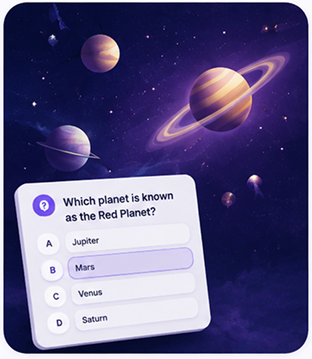 Science QuizMultiple Choice
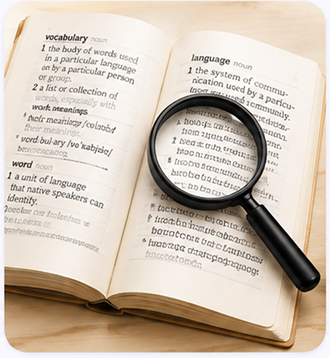 Vocabulary MatchMatching Activity
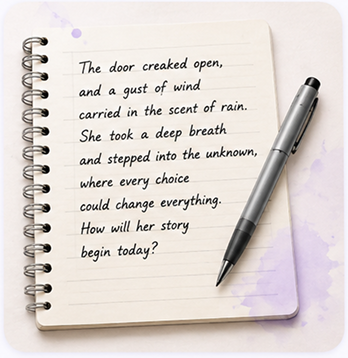 Creative WritingWriting Prompt
 History TimelineOrdering Activity
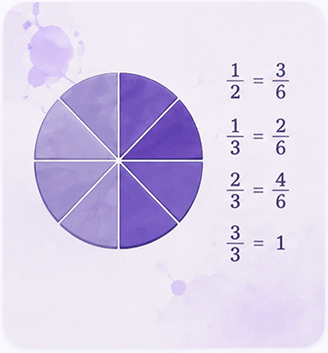 Fractions WorksheetMaths Practice
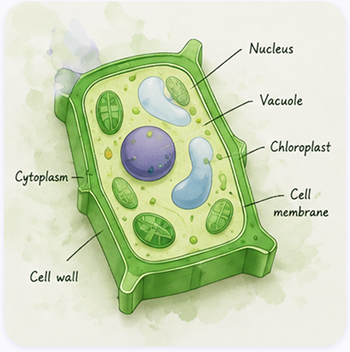 Plant Cell DiagramLabel the Parts
 Geography WorksheetMap Skills
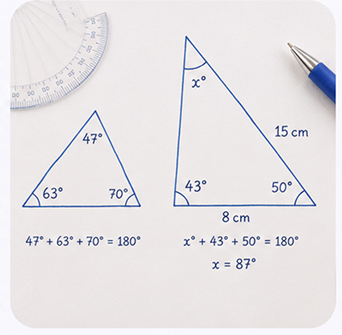 Angles in TrianglesMaths Worksheet
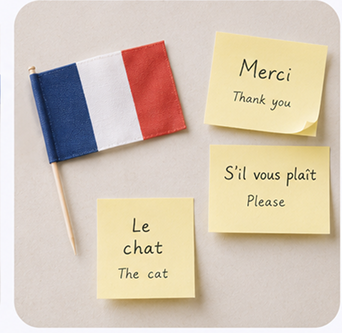 French VocabularyFlashcards
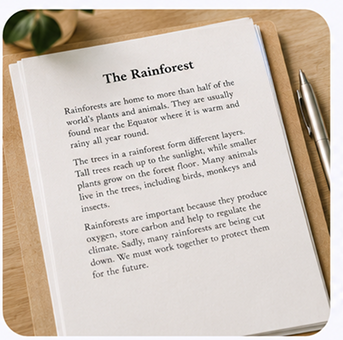 Reading ComprehensionShort Passage
 Data HandlingGraph & Questions
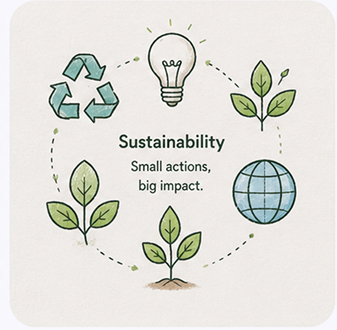 Sustainability ProjectProject Template
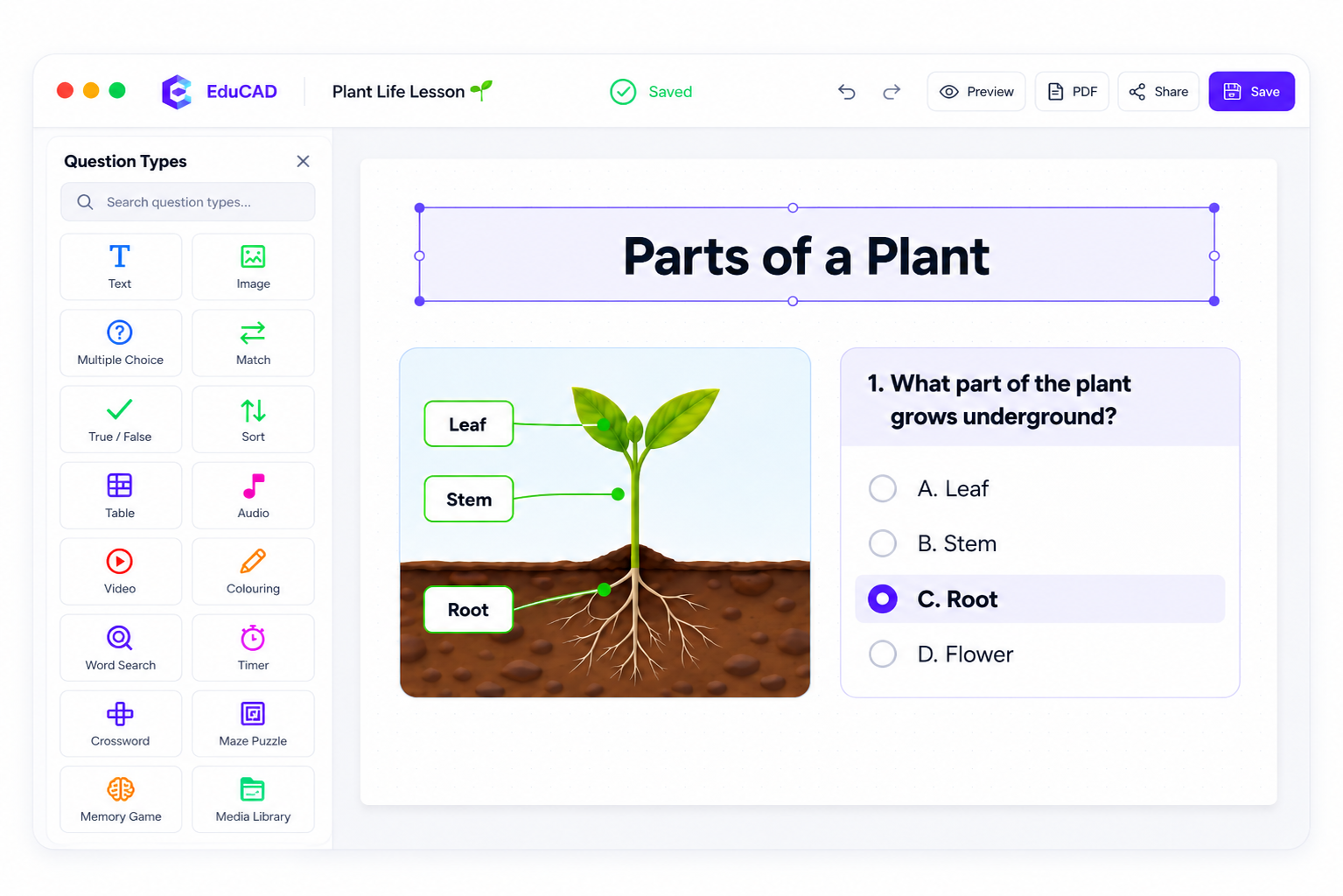
A familiar canvas with smart blocks teachers can use to create engaging content in minutes.
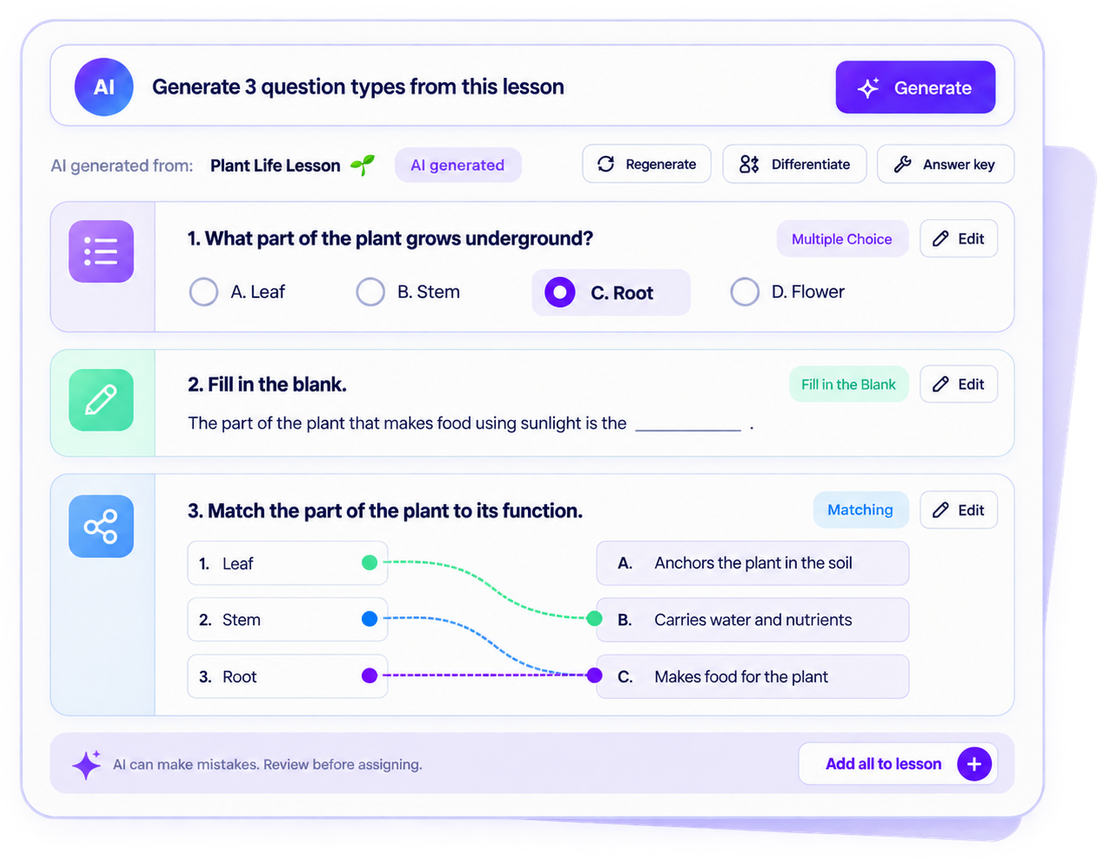
AI ASSISTANT
Upload a worksheet, image, or PDF and EduCAD turns it into
ready-to-use activities—quizzes, fill-in-the-blanks, matching
exercises, and more. You edit, refine, and share.
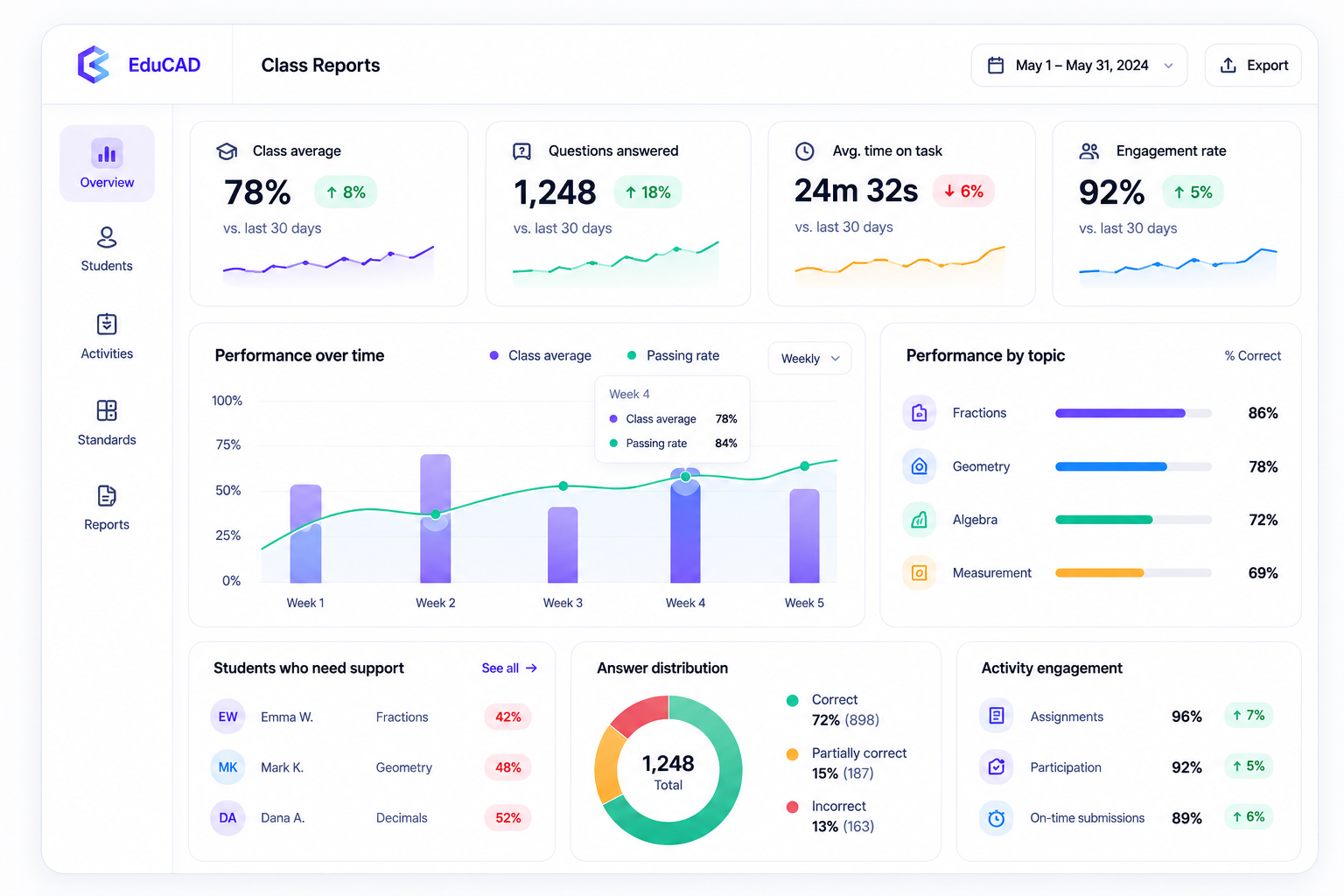
Get a clear picture of student performance with real-time reports that help you teach smarter and support every learner.
Data that helps you make
every student's learning better.
Why teams love EduCAD
From collaboration to sharing, every feature is designed to help teachers create faster and deliver better learning experiences.

Create together in real time, follow
edits instantly, and coordinate
with your team without leaving
the page.


Set up classes in seconds, assign
activities, and keep an eye on
completion and progress
at a glance.


Design once, then fine-tune for
desktop, tablet, and mobile with
flexible screen-specific
layouts.


Send a link, embed in your LMS,
or assign directly so results
come back neatly organized
for you.

Interactive learning modules
Ready-made modules that drop into any page in one click
and can grade themselves.

“Making a single worksheet used to take my whole evening. Now it takes a few minutes, and the kids solve it like a game.”
Zeynep A.Primary school teacher · İzmir
No credit card needed. Publish your first piece of content in 5 minutes.
You can start on the free plan. We don't ask for a credit card. School and institution plans add extra features.
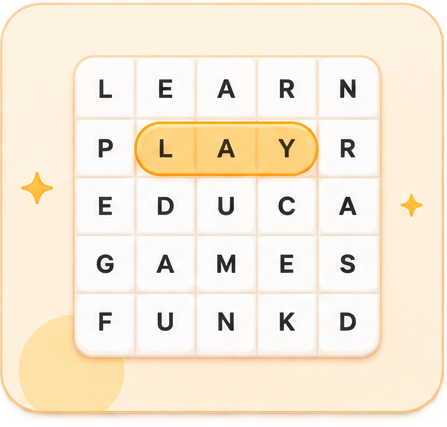
 Word SearchVocabulary practice Auto-graded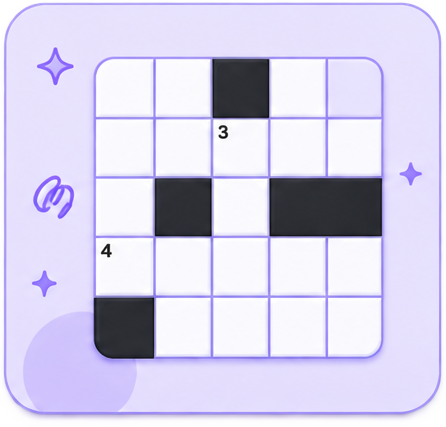
 CrosswordClue-based revision Auto-graded
 JigsawAssemble and discover Auto-graded
 MazeFind the correct route Auto-graded
 Memory CardsMatch and remember Auto-graded
 ColouringDraw, fill, and create Creative activity